
CEVTUO-RWP
Turn web pages, in-site links, RSS feeds and Markdown into EPUB ebooks.
A native desktop app with its runtime bundled in — download and run.
macOS first launch: right-click → Open (ad-hoc signed, not notarized by Apple) ·
macOS 首次打开请右键 → 打开
— see Installation for macOS 15 Sequoia and later
Mirrors are third-party public relays that simply forward GitHub traffic. Use the official links above if you prefer.
镜像为第三方公共转发服务,只是把 GitHub 的流量中转一下;介意的话请用上面官方直连
Four ways in
Multiple URLs, links found on a site, RSS feeds, or Markdown. Every article becomes a chapter you can open and edit on its own.
Real full text
Pages are rendered in your own browser before extraction, so JavaScript-only content and archived pages come through complete.
Daily books from RSS
Build a book per category automatically, on a daily or every-few-days schedule, filed by date in the library.
No page limit
Export as many chapters as you like. Nothing gets truncated.
Runtime included
The Python runtime and every dependency ship inside the installer. The target machine needs nothing installed.
Library wherever you want
Point the library folder anywhere; books you already generated move along with it.
What it looks like
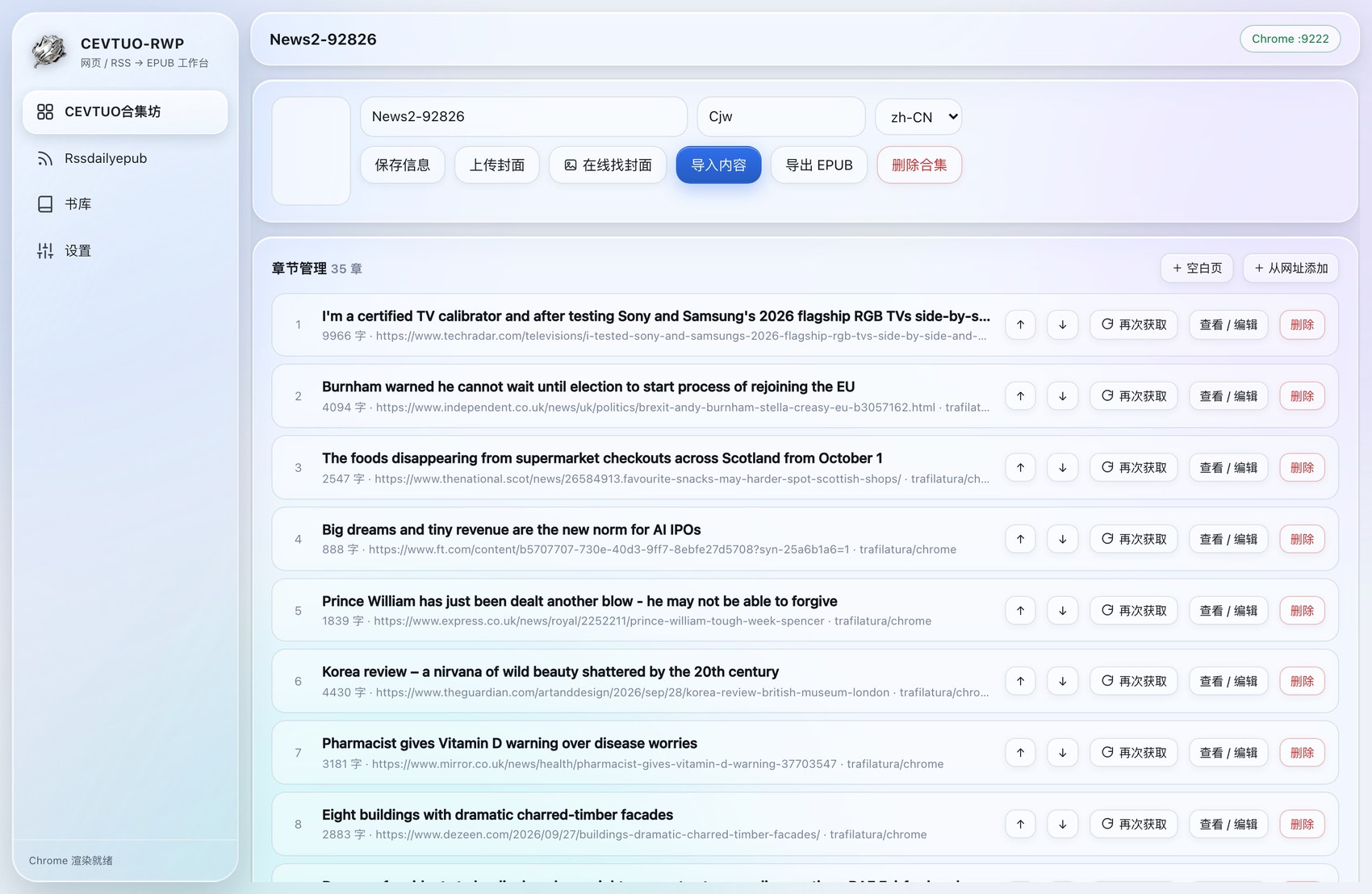
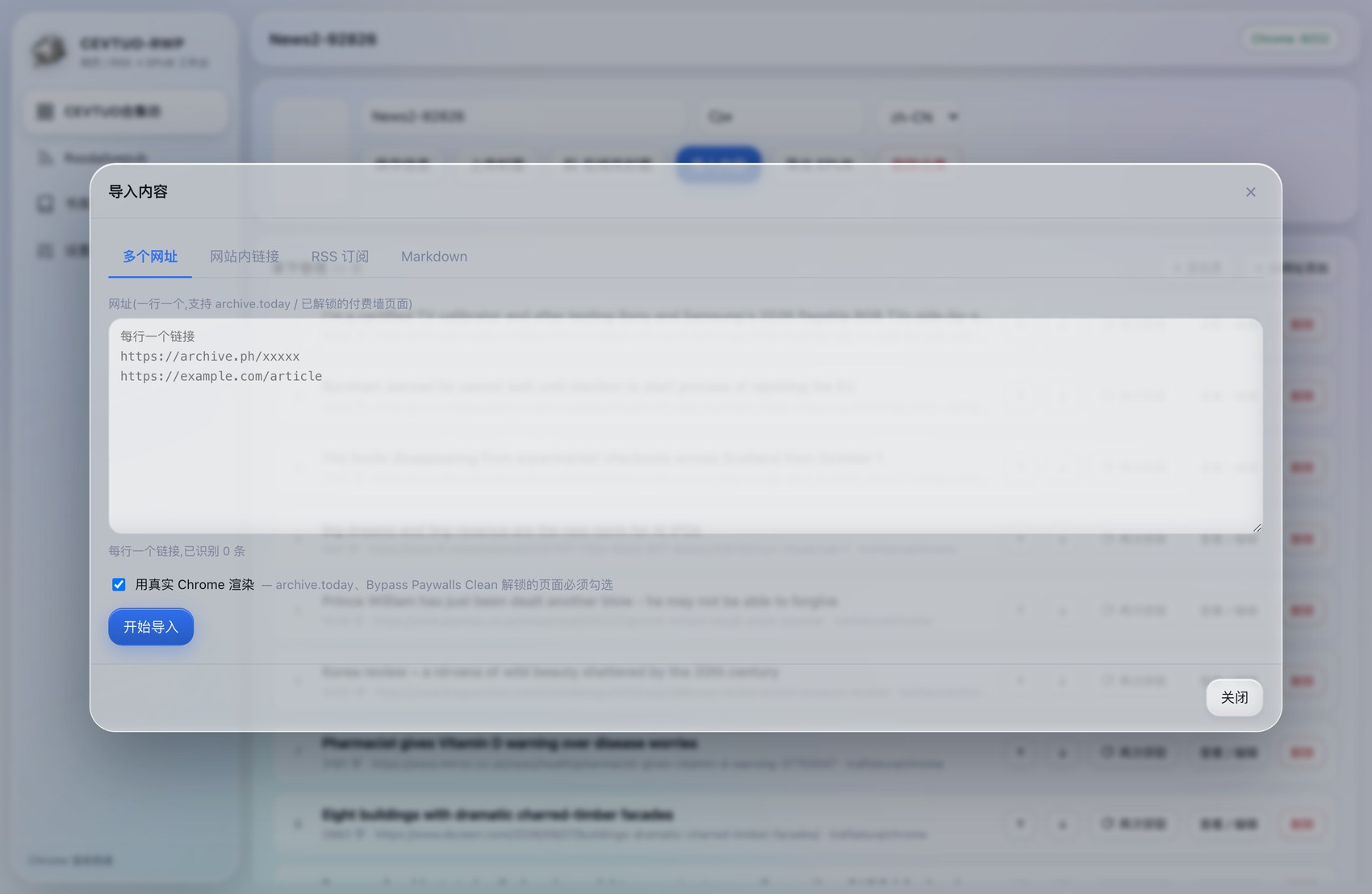
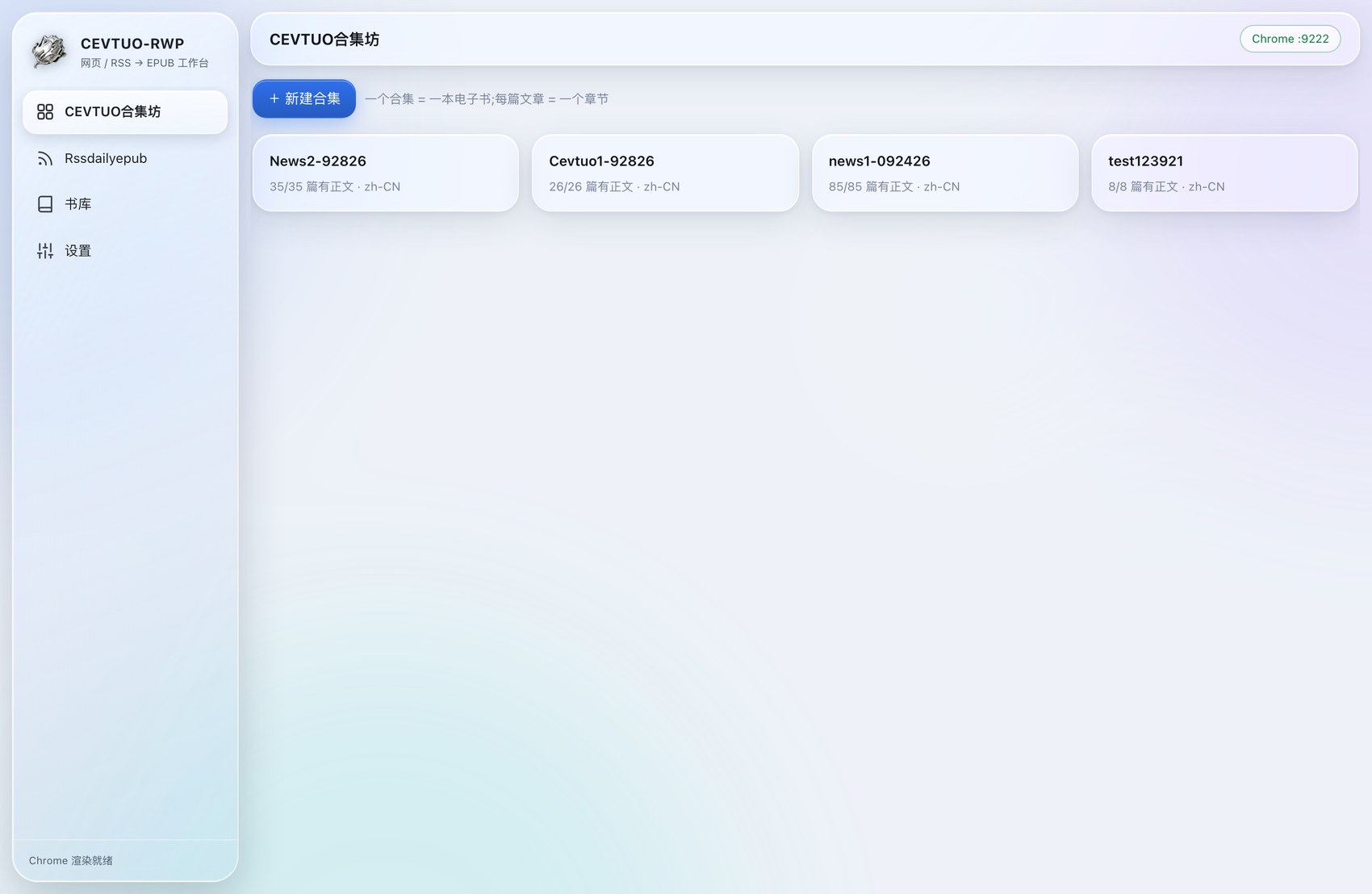
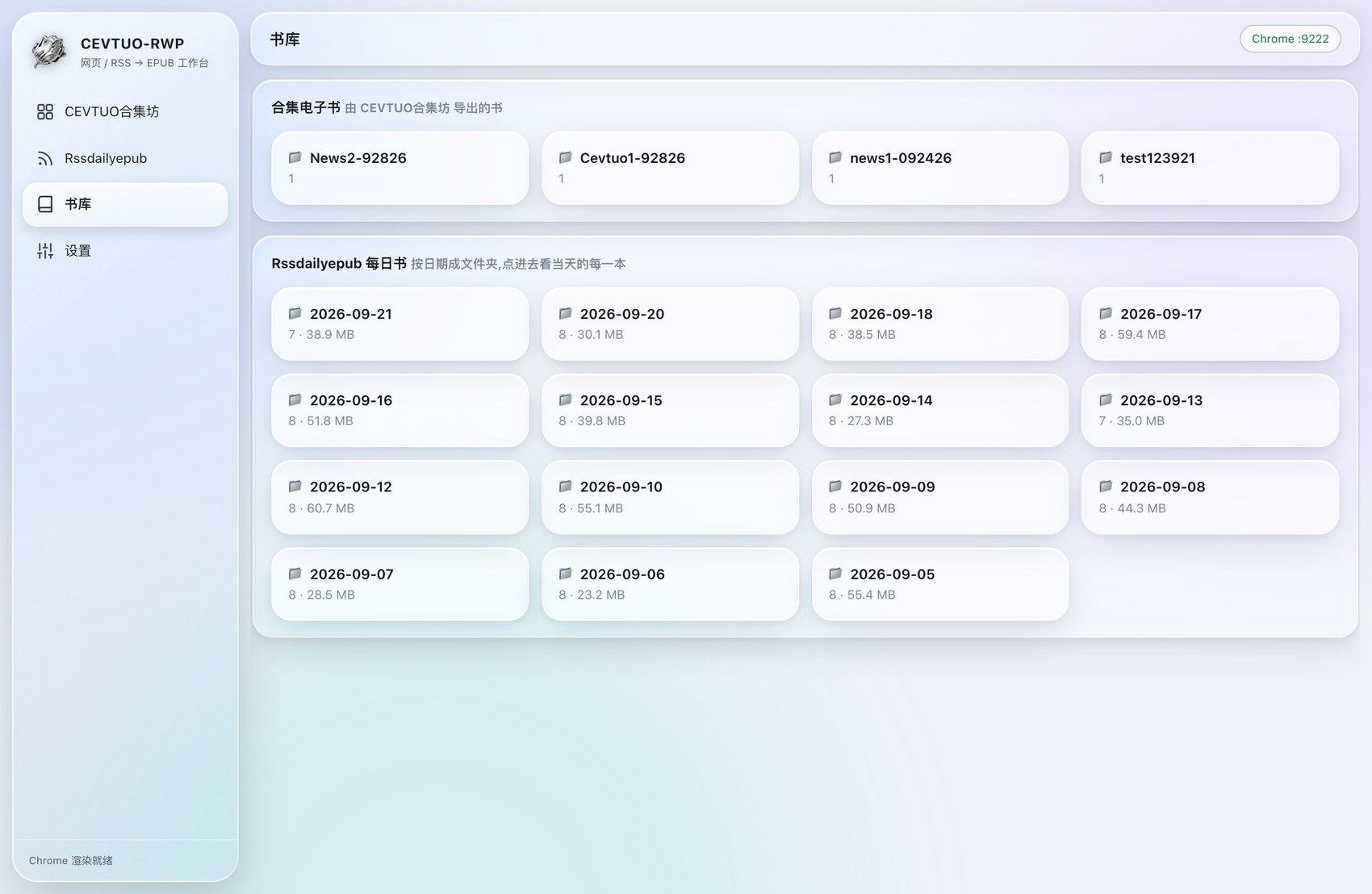
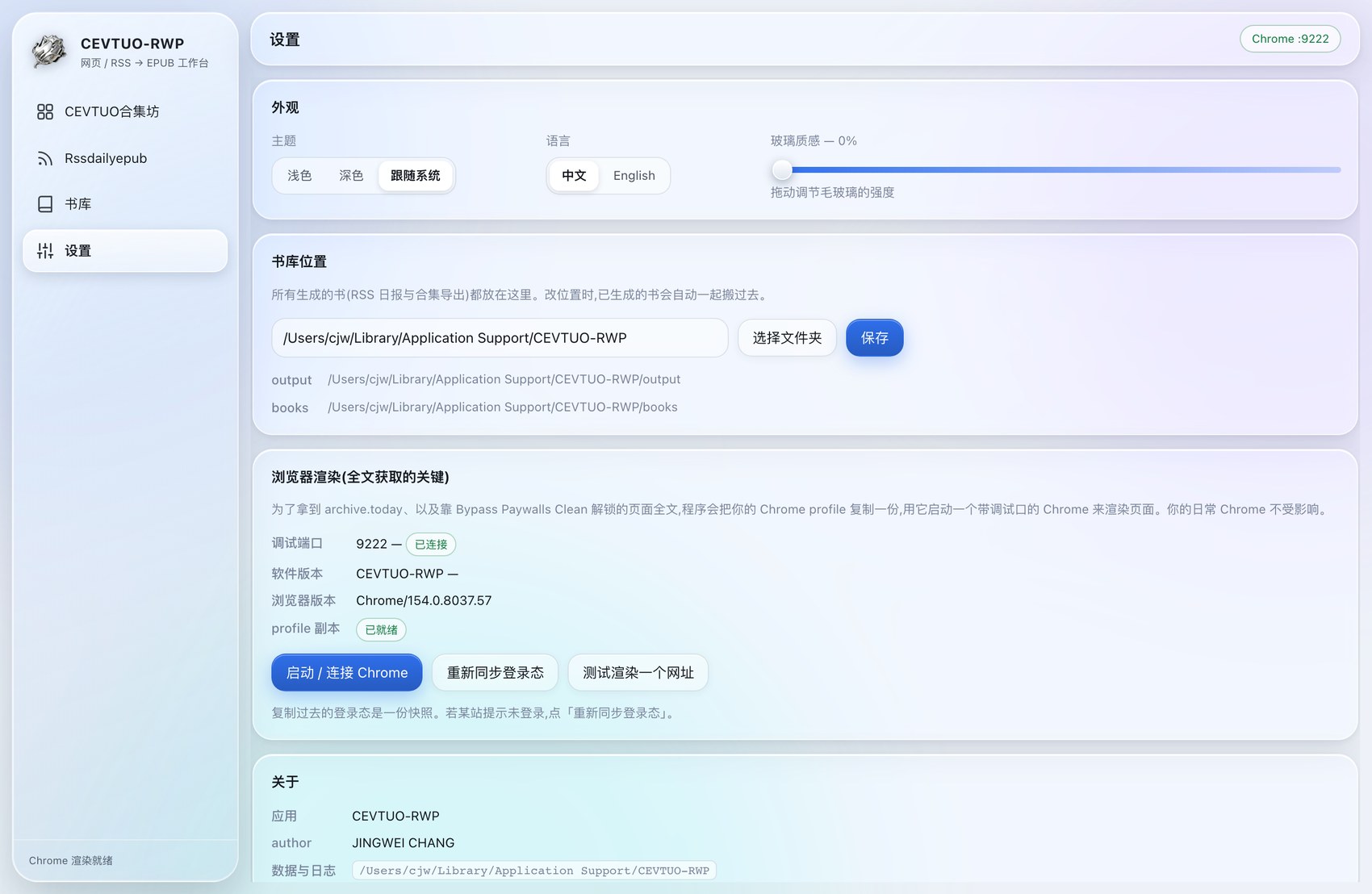
Demo
Import → chapter management → library → settings. 导入 → 章节管理 → 书库 → 设置。
Installation
macOS & Windows · click to expand
· 点开看安装步骤
macOS
- Open the
.dmgand drag CEVTUO-RWP into Applications.打开 .dmg,把 CEVTUO-RWP 拖进「应用程序」。 - First launch: right-click the app → Open.
首次打开:右键点 App → 打开。
- On macOS 15 Sequoia and later, the right-click shortcut no longer works.
Do this instead:
- Double-click the app. When the “Apple could not verify…” dialog appears, click Done.
- Open System Settings → Privacy & Security.
- Scroll down to the Security section. You will see “…was blocked from use”. Click Open Anyway.
- Enter your password or use Touch ID, then confirm once more.
新版 macOS(15 Sequoia 及以后):先双击 App,弹出“Apple 无法验证…”提示,点“完成”。
打开 系统设置 → 隐私与安全性,往下滚到“安全性”区域,会看到“已阻止使用…”,点 仍要打开。
输入密码或 Touch ID,再确认一次。
Windows
- Unzip
CEVTUO-RWP-windows.zip.解压 CEVTUO-RWP-windows.zip。 - Open the extracted CEVTUO-RWP folder.
进入解压出来的 CEVTUO-RWP 文件夹。
- Double-click
CEVTUO-RWP.cmd— this is what launches the app.双击CEVTUO-RWP.cmd—— 这就是启动入口。 - If Windows shows “Windows protected your PC”, click More info → Run anyway.
若弹出“Windows 已保护你的电脑”,点 更多信息 → 仍要运行。
There is no .exe to install and no installer to run.
The entry point is CEVTUO-RWP.cmd inside the folder you just
extracted — double-click it and the app window opens by itself. That is
the one and only thing you need to click.
- Keep the folder together.
.cmdloads thepython\andpylibs\folders sitting next to it. Copying the.cmdout on its own will not work. - Want it on your desktop? Right-click
CEVTUO-RWP.cmd→ Send to → Desktop (create shortcut). - Closing the window leaves the local service running, which is why
opening the app again is instant. It only listens on
127.0.0.1— nothing is sent anywhere. To shut it down completely, double-click停止服务.cmd(Stop service). - Books are saved to
%LOCALAPPDATA%\CEVTUO-RWP. - Pages are rendered with a Chromium browser. Windows ships with Edge, so there is nothing extra to install.
- Python and every dependency are already inside the folder — you do not need to install anything.
这个包没有 .exe 安装程序,也不需要安装。启动入口就是你刚解压出来的文件夹里的
CEVTUO-RWP.cmd —— 双击它,应用窗口会自己弹出来。
要点的就这一个文件。· 整个文件夹要放在一起:
.cmd 需要它旁边的 python\ 和
pylibs\,单独把 .cmd 拷走是用不了的。· 想放桌面:右键
CEVTUO-RWP.cmd → 发送到 → 桌面快捷方式。· 关掉窗口后本地服务仍在后台运行,所以再次打开是秒开。它只监听
127.0.0.1,不会把任何东西发到外面。要彻底关掉,双击
停止服务.cmd。· 书保存在
%LOCALAPPDATA%\CEVTUO-RWP。· 渲染网页用 Chromium 内核浏览器,Windows 自带 Edge,不用另外装。
· Python 和全部依赖都已经在文件夹里,不需要你装任何东西。